
Be The King (Europe)
About Be The King
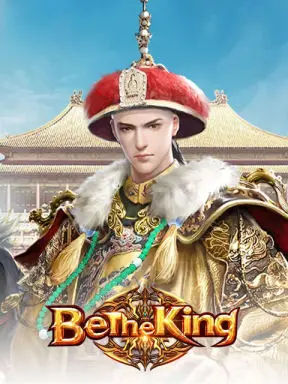
Be The King is a great strategy and management game -with just a touch of RPG- in which you'll maneuver your power and use your wits to rise to power. Win wars on the battlefield -and in the palace- to become the next emperor of China!
How to top-up Be The King Gold with us?
- Select the Gold denomination.
- Enter your Be The King User ID and select your game server.
- Check out and select your payment method.
- Once payment made, the Be The King Gold you purchased will be credited to your Be The King Game Account shortly.
How to find Be The King User ID?
- Use your account to log in to the game.
- Click the "Map" on the top-right corner.
- Click in-game "Settings" to confirm your User ID under the Account Information.
Select Recharge
Pick the amount that works for you.
Our best sellers for you
Browse all items
Quick, clear, and secure
Select an available package, enter your player details, and select your payment method. Your digital order is prepared immediately after checkout.
About Be The King
Be The King is a great strategy and management game -with just a touch of RPG- in which you'll maneuver your power and use your wits to rise to power. Win wars on the battlefield -and in the palace- to become the next emperor of China!
How to top-up Be The King Gold with us?
- Select the Gold denomination.
- Enter your Be The King User ID and select your game server.
- Check out and select your payment method.
- Once payment made, the Be The King Gold you purchased will be credited to your Be The King Game Account shortly.
How to find Be The King User ID?
- Use your account to log in to the game.
- Click the "Map" on the top-right corner.
- Click in-game "Settings" to confirm your User ID under the Account Information.